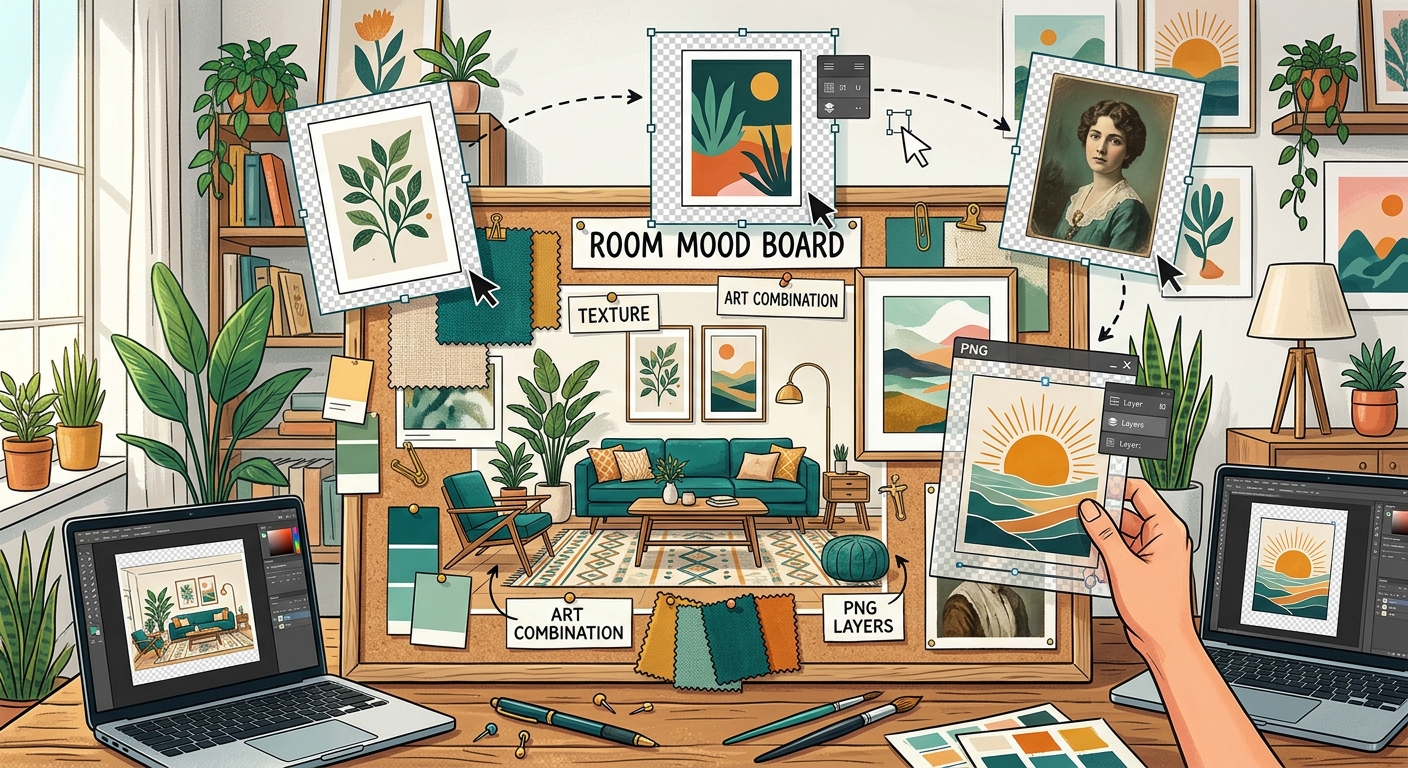
How to Combine Transparent PNGs and Wall Art in Room Mood Boards
Build a room mood board in Canva with transparent PNG furniture, plants, and decor. Learn layering, realistic scale, and coordinating wall art.

Search

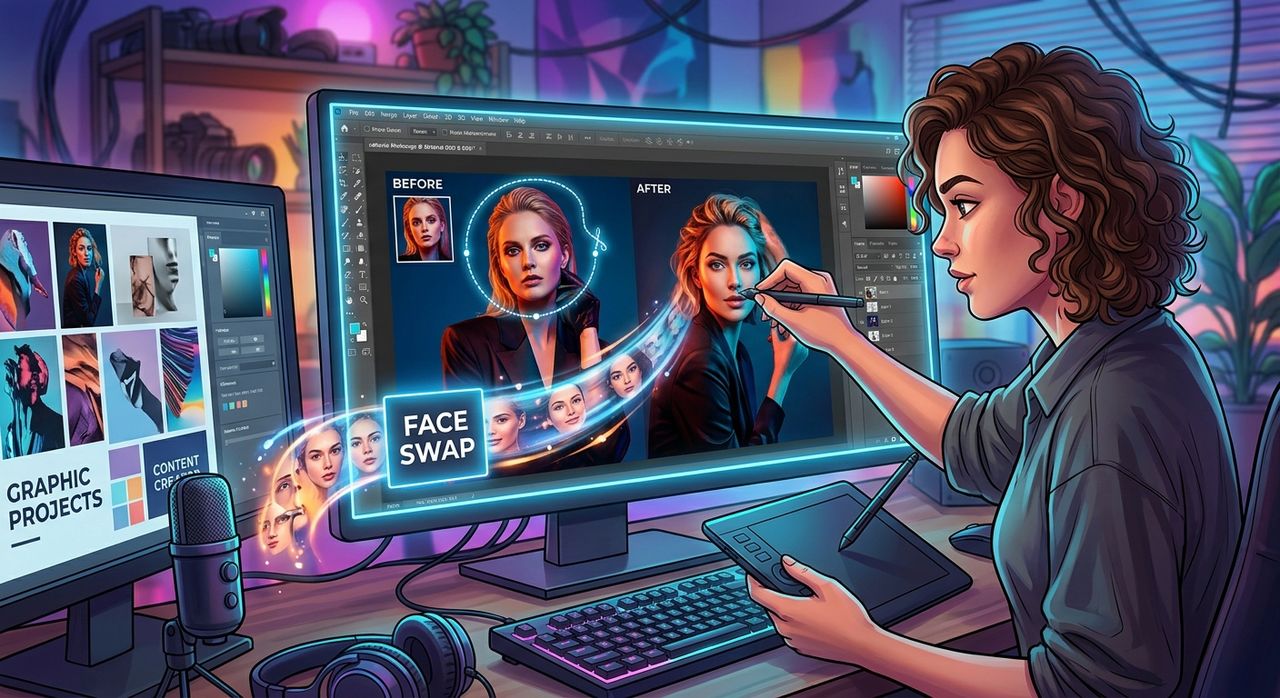
Stock images have a ceiling. You find the perfect composition, the right lighting, the ideal pose, but the face staring back at you belongs to someone else. For graphic designers and content creators who build finished assets from downloaded images, that gap between "almost right" and "exactly right" used to mean hours of manual editing. Now it does not have to.
Key Takeaway: Face swap technology has moved well beyond novelty filters. For graphic designers and content creators, it is a practical production step. Replace a stock model's face with a client's likeness, personalize a thumbnail in minutes, or build branded character graphics without commissioning a full photoshoot. The workflow is faster, the results are genuinely usable, and the tool is purpose-built for this kind of creative work.
Stock photography is built for efficiency. You get professional lighting, clean backgrounds, and polished compositions. What you do not get is a face that belongs to your client, your brand, or your audience.
According to the Wikipedia overview of stock photography, these images are pre-produced and licensed for general use, which means they are designed to be generic by default. That is fine for placeholder content, but it creates real friction the moment a designer needs something specific.
A brand that wants to show its founder in a professional context does not always have the budget for a full shoot. A content creator building a series of personalized thumbnails cannot commission new photos for each one. A designer producing character graphics for a branded campaign needs consistency across multiple assets. In all three cases, the core visual already exists. What is missing is the right face.
Most designers already know how to work with downloaded PNGs. The file arrives, gets dropped into a layout, masked if needed, and adjusted for color and contrast. Face swap adds one targeted step to that process.
Instead of retouching a stock face to match a client, or hunting for an entirely new image, the designer uses a face swap tool to replace the face in the existing asset. The composition stays intact. The lighting stays consistent. Only the identity changes.
This is not about misleading manipulation. It is about finishing an asset. The same logic applies to any image compositing technique. Wikipedia's entry on image manipulation describes it as combining or altering visual elements to produce a desired result. Face swap is simply a targeted, modern version of that same principle.
A personal trainer wants a hero image for their website. The ideal shot, complete with dramatic gym lighting and a confident pose, already exists in a stock library. What does not exist is that same shot with the trainer's actual face.
With a face swap, the designer downloads the stock PNG, runs the swap using a client-supplied photo, and delivers a polished, personalized asset. The alternative is a full photoshoot, which costs time and money that neither party may have available.
YouTube thumbnails and social media preview images perform better when they feature a recognizable face. Content creators building at scale need a way to generate these assets without reshooting for every new piece of content.
A creator can keep a consistent visual template, apply a face swap for each new subject or episode, and maintain a branded look across their channel or feed. It turns a repeatable task into a repeatable system.
Some brands use illustrated or stylized character graphics that still need to carry a real person's likeness. A company founder's face placed on an illustrated avatar. A team member's likeness added to a branded social post template. A recurring visual character that maintains consistency across a multi-week campaign.
Face swap handles the likeness transfer. The designer handles everything else.
Not all face swap tools are built for design use cases. Some are optimized for casual filters and real-time video effects. When you are producing assets for clients or a professional audience, you need something that delivers clean results on still images.
Here is what matters for graphic design and content creation work:
Design workflows have always moved toward efficiency. Vector libraries replaced hand-drawn assets. Template systems replaced from-scratch layouts. AI-powered retouching replaced manual work for certain tasks.
Face swap fits into that same progression. It does not replace the designer's judgment or creative direction. It removes a specific bottleneck, which is the gap between the visual you have and the visual you actually need.
For content creators who live in the space between downloaded assets and finished posts, that bottleneck used to mean either settling for a generic image or spending significant time on manual editing. Neither was a great option. A targeted, purpose-built tool closes that gap without adding unnecessary complexity to the workflow.
Designers who work with PNG files are already well-positioned to use this technique. The PNG format preserves transparency, which means background removal and compositing are already part of the workflow. Adding a face swap step fits naturally into a process that already involves layering, masking, and combining visual elements.
A downloaded PNG of a professional headshot template, a product model, or a lifestyle scene becomes genuinely usable for a specific client the moment the face in that image belongs to the right person. That is the shift this technique enables: from a general-purpose asset to a finished, deliverable file.
The output is not a rough draft. It is a finished graphic. One that fits the brief, carries the right identity, and can go straight into the layout or get handed off to the client.
The appeal of face swap for graphic designers is not novelty. It is production speed. It is the difference between delivering a client a file they can actually use and sending them back to a stock library to start over.
Content creators building visual identities, personalized series, or branded campaigns all face the same core challenge: the raw material exists, but it is not quite right for the specific job at hand. Face swap addresses that in a way that fits inside the existing workflow rather than requiring a completely different process or a much bigger budget.
For anyone who builds visual assets from downloaded images, whether for clients, for social media, or for brand campaigns, it is worth treating face swap the same way you treat any other compositing technique. Not as a gimmick, not as a shortcut, but as a practical step that belongs in a professional toolkit.
Build a room mood board in Canva with transparent PNG furniture, plants, and decor. Learn layering, realistic scale, and coordinating wall art.
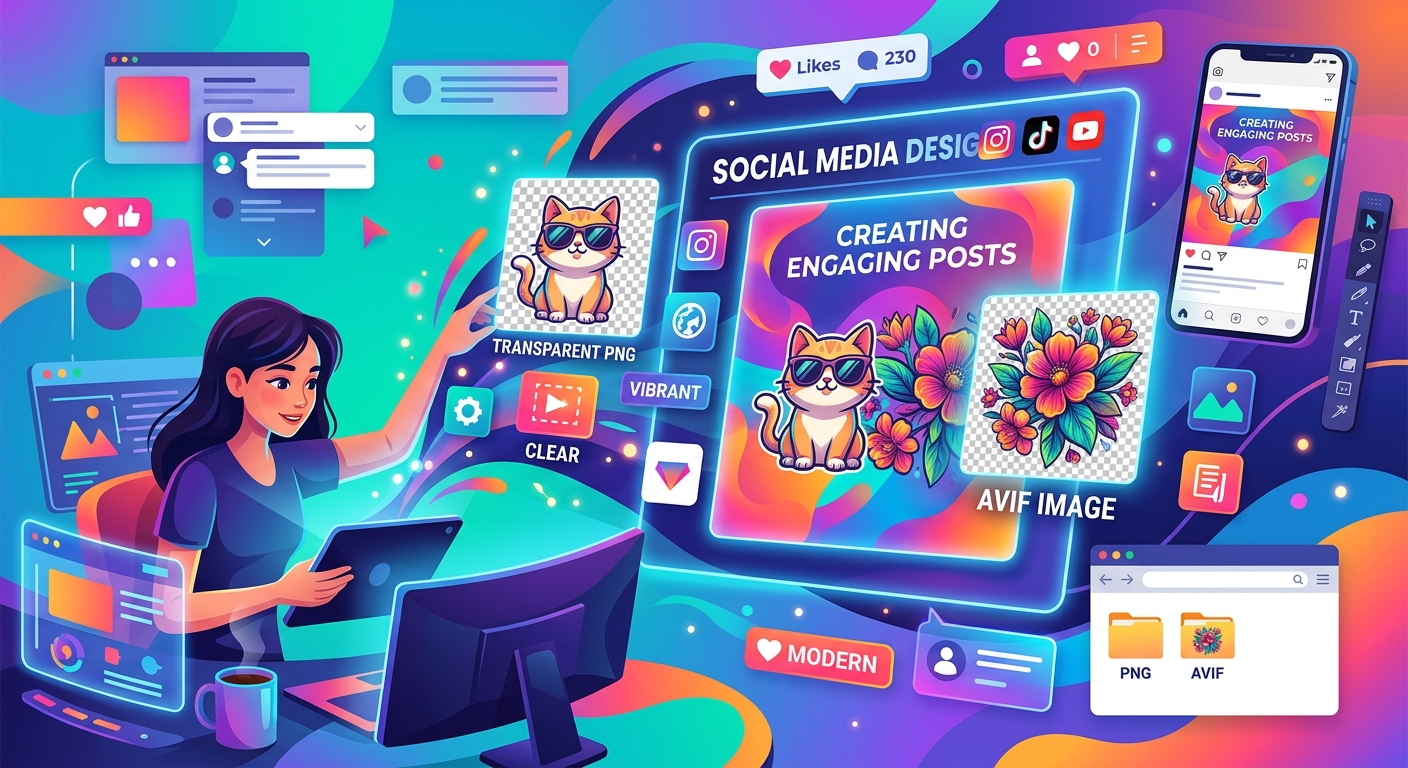
Combine transparent PNG cutouts with AVIF photos in Canva or GIMP. Build clear thumbnails and social posts, handle import issues, and export clean designs.
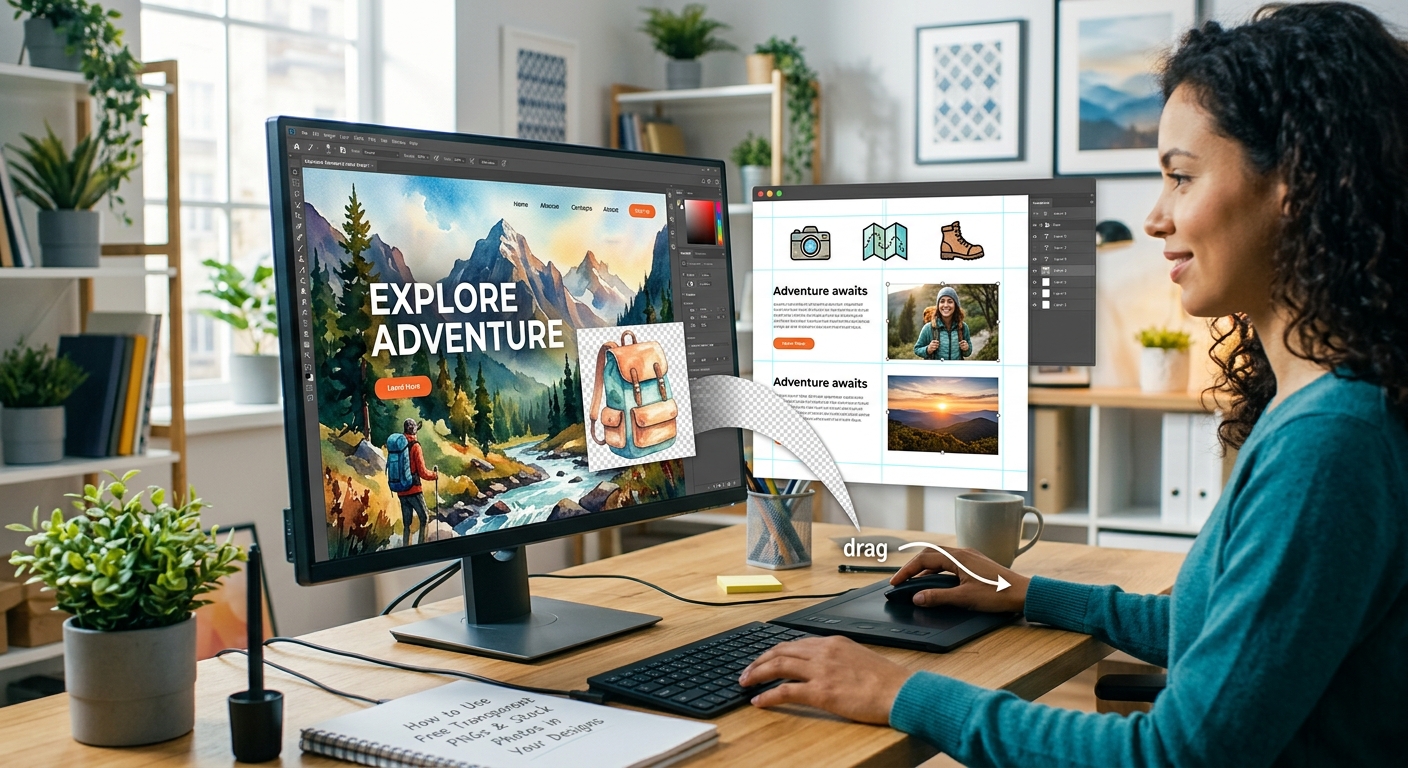
Layer free transparent PNGs over stock photos in Canva or GIMP to build polished thumbnails, social graphics, and blog headers step by step.