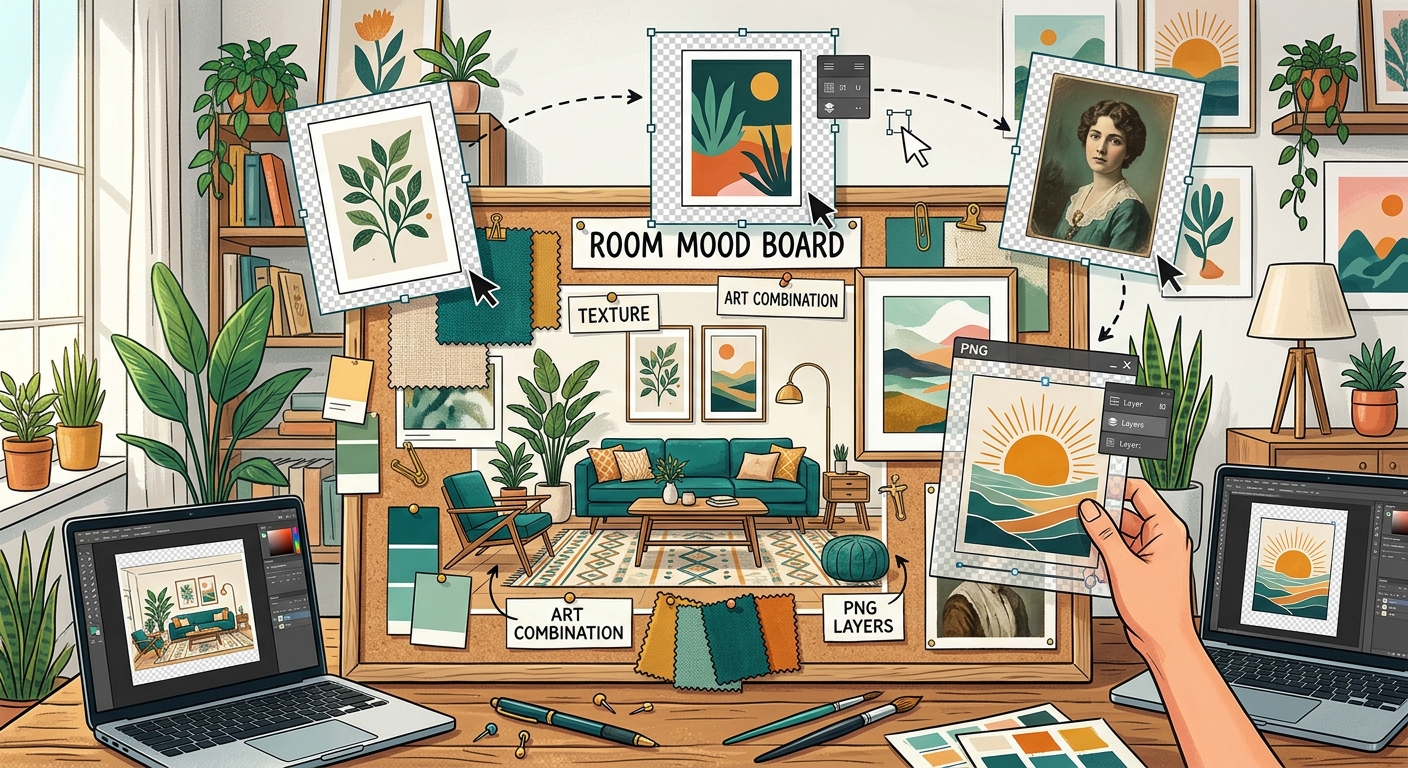
How to Combine Transparent PNGs and Wall Art in Room Mood Boards
Build a room mood board in Canva with transparent PNG furniture, plants, and decor. Learn layering, realistic scale, and coordinating wall art.

Search

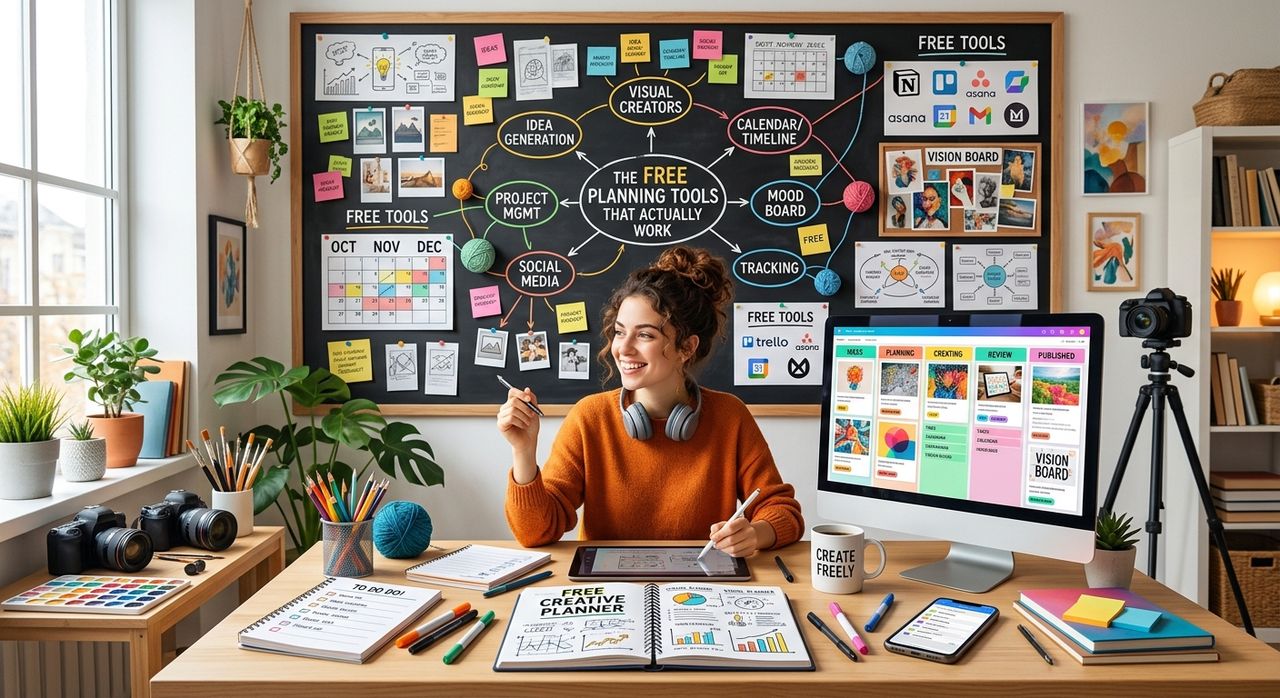
Managing three client projects at once, each with different deadlines, different asset formats, and different revision cycles, is not a productivity problem. It is a visibility problem. You do not need a $50-a-month app to solve it. You need a system you can actually see, understand, and stick to, and some of the most effective options cost nothing at all.
Key Takeaway:
- Free planning tools work best when they match how visual thinkers process information, not how software engineers do.
- A well-structured weekly view reduces mental load better than complex dashboards.
- Minimalist formats help designers stay focused without adding visual noise to their workspace.
- Printable and fillable planners are underrated for client timeline management.
- The best system is the one you will actually use consistently, not the most feature-rich one.
Most productivity advice is written for people who work in text. Developers, writers, project managers, people who live inside lists and calendars. Designers and content creators work differently. You think in layouts. You process information in spatial chunks. A plain text to-do list often fails you not because you are disorganized, but because it does not match the way your brain organizes tasks.
Research on time management consistently shows that matching your planning format to your cognitive style dramatically improves follow-through. For visual thinkers, that often means working with tools that map time as space, where you can literally see a week laid out in front of you, rather than buried inside a nested list of items.
This is not about aesthetics for aesthetics' sake. It is about reducing the friction between thinking and doing. When your planning tool looks and feels right, you use it. When it does not, it sits untouched while your deadlines pile up.
There is a pattern that plays out constantly in the freelance design world. You sign up for a free trial of a powerful project management platform. The interface is impressive. You spend two hours setting up boards and automations. Then, two weeks later, you realize you are spending more time maintaining the tool than actually doing client work.
Premium tools are built for teams. They are designed with collaboration features, permission structures, and reporting dashboards that make sense when you have ten people in a workspace. As a solo freelancer or a small creative studio, most of that is pure overhead.
The tools that actually serve visual creators tend to be simpler. They do fewer things, but they do those things without requiring onboarding, tutorials, or monthly subscription fees. The goal is a system that costs you nothing in money and almost nothing in attention to maintain.
The core challenge for any freelance designer juggling multiple clients is timeline visibility. You need to know, at a glance, which deliverable is due on which day, where your revision windows fall, and how much white space you have left in the week for unexpected client requests.
A weekly planner laid out as a visual grid is one of the most effective formats for this kind of work. It gives you a horizontal view of the week, where you can block out project phases, mark delivery dates, and see exactly where your time is actually going. Unlike digital task apps, a printed or fillable weekly grid forces you to be intentional about what goes in each slot, because space is finite and visible.
The approach works especially well for freelancers who bill by project rather than by hour. You assign each project a zone on the weekly grid. Client A gets Tuesday and Thursday mornings. Client B gets Wednesday afternoons. Revisions from Client C go in a buffer slot on Friday. The result is a visual map of your working week that you can reference without opening a single app.
Here is a practical setup process that works for most solo creative workflows:
That six-step reset habit is what separates freelancers who feel in control from those who feel constantly behind.
One underrated consideration for designers specifically is the aesthetic quality of the tools they use. This sounds superficial until you realize how much visual clutter affects focus. A planning template covered in icons, color gradients, and complex grid lines is genuinely harder to use when you are someone who processes design elements consciously.
Minimalist templates address this in a practical way. Clean lines, generous white space, and a simple hierarchy mean your eye goes straight to the content, not the container. For a designer sitting at a desk covered in Pantone swatches and reference prints, a visually quiet planner page is a relief, not a compromise.
The format you choose should feel like a tool, not an interruption. That is the standard worth applying to every free planning resource you consider. If you open a template and feel a small visual resistance before you even start filling it in, that resistance will grow every day until the system is abandoned entirely.
Consistency is where most planning systems fall apart. You set up a great system on a Sunday evening, and by Wednesday it has been abandoned because the friction of updating it felt too high in the middle of a busy client week.
The tools that survive this pressure are the ones with the lowest update cost. A printed weekly grid that sits on your desk requires no login, no loading screen, no mode switching. You pick up a pen and you write. That immediacy is not trivial. It is one of the core reasons paper-based planning has maintained a serious following even among tech-forward creatives.
Research on freelance work patterns shows that independent workers often struggle more with self-imposed scheduling than with client demands. The absence of external structure, no manager, no shared team calendar, no standup meeting, means that the system you build for yourself has to be strong enough to provide that structure on its own. Free tools that are easy to reset and adapt each week have a real advantage here over complex platforms that require significant effort to reconfigure.
The most resilient free planning setups combine a weekly visual grid for project-level time blocking, a simple daily note system for task-level tracking, and a monthly review to assess whether the workload is sustainable. None of those three layers require paid software. All of them require only one thing: that you actually use them.
At the end of a busy client week, the last thing a freelance designer wants is to spend twenty minutes updating a project management dashboard that nobody else will ever see. The planning tools that work long-term are the ones that take less time to maintain than they save.
Free planners, minimalist grids, and printable weekly layouts have an edge that no premium app can buy. They are fast, frictionless, and adaptable to how you actually work, not how a software product manager imagined you might. That is the real reason they keep showing up on the desks of experienced creative freelancers, not because they cannot afford something fancier, but because they have tried the alternatives and come back to what works.
If your current system requires a tutorial to use or a subscription to keep, it is worth asking whether the complexity is serving your work or just serving the software. Simpler tools, used faithfully, will outperform sophisticated ones every time.
Build a room mood board in Canva with transparent PNG furniture, plants, and decor. Learn layering, realistic scale, and coordinating wall art.
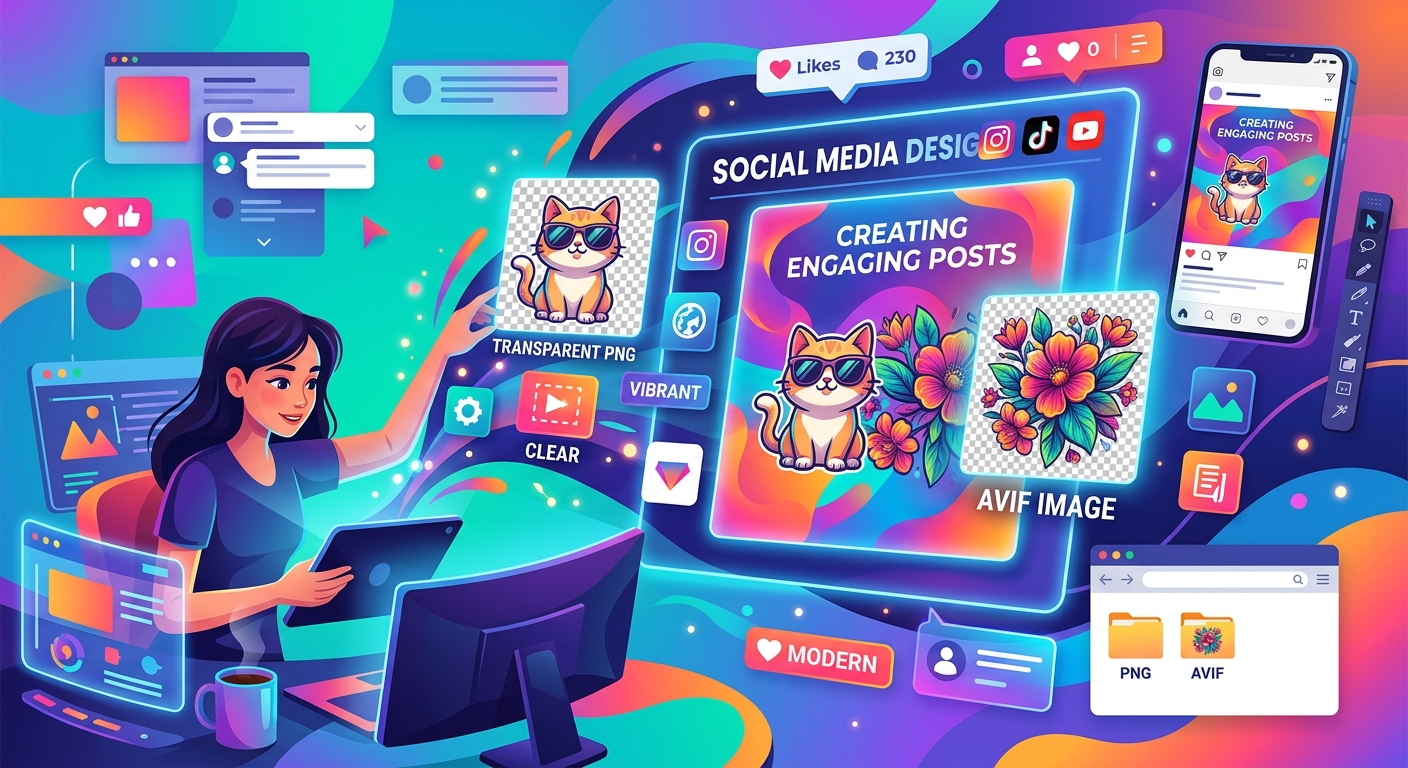
Combine transparent PNG cutouts with AVIF photos in Canva or GIMP. Build clear thumbnails and social posts, handle import issues, and export clean designs.
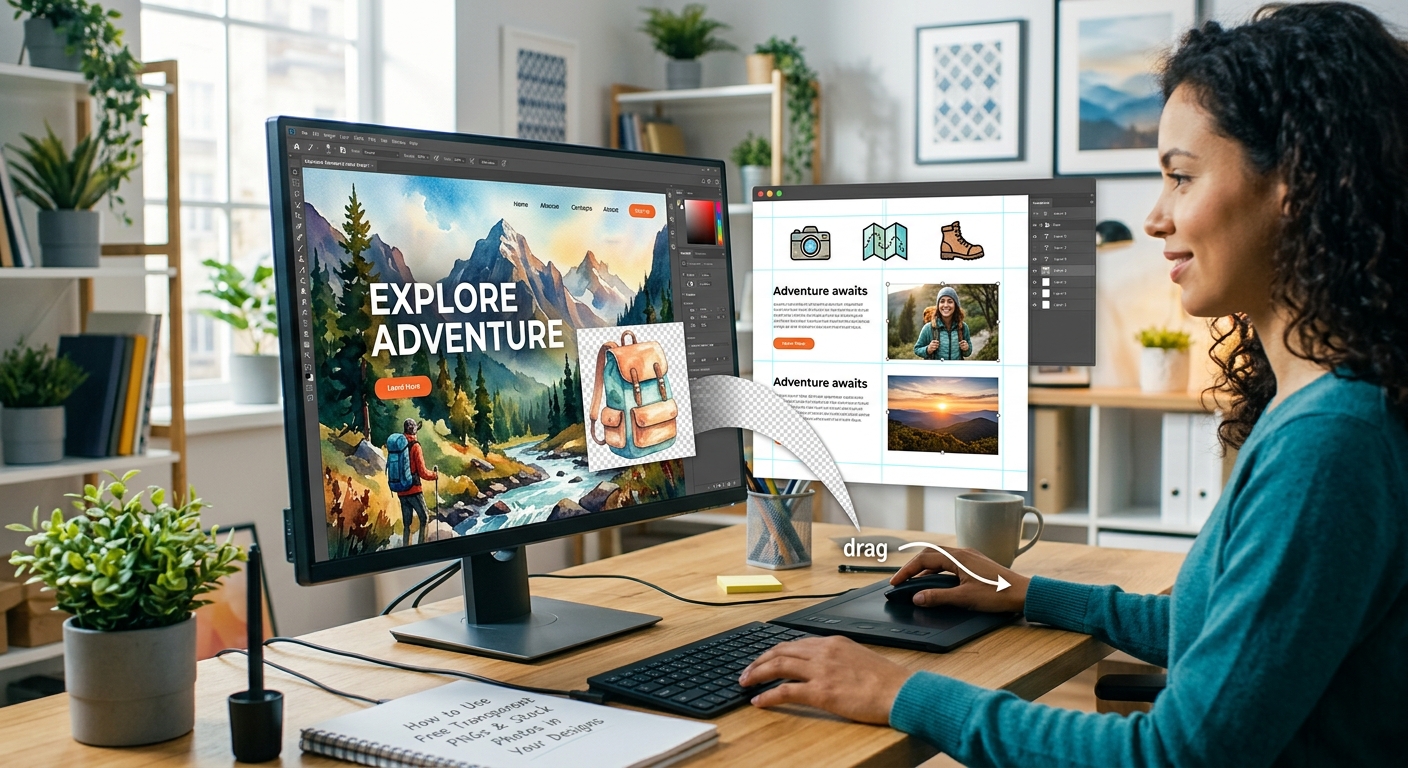
Layer free transparent PNGs over stock photos in Canva or GIMP to build polished thumbnails, social graphics, and blog headers step by step.